Do I need to move off Google Forms?
No. Your form stays with Google, using the same link and respondent experience. Formbox reads its responses and keeps your follow-up work alongside them.
Where does my data live?
The app talks directly to Google. Manual inquiries, notes, statuses and reminders stay on this device, separately for each signed-in Google account. Formbox has no server holding a copy. Export files whenever you want to save or share them. Read the privacy policy.
Does restoring a purchase restore my inquiries?
Restore brings back tool access for your Apple Account. It does not recover local inquiries, notes or reminders from another device. Export copies you need before removing the app; export is not automatic cloud backup.
Does Formbox send messages or change statuses for me?
No. Email and phone actions open your own apps. Opening a composer does not prove a reply was sent, and Formbox changes an inquiry’s status only when you choose to. It never requests access to your Gmail.
How do reminders and reports work?
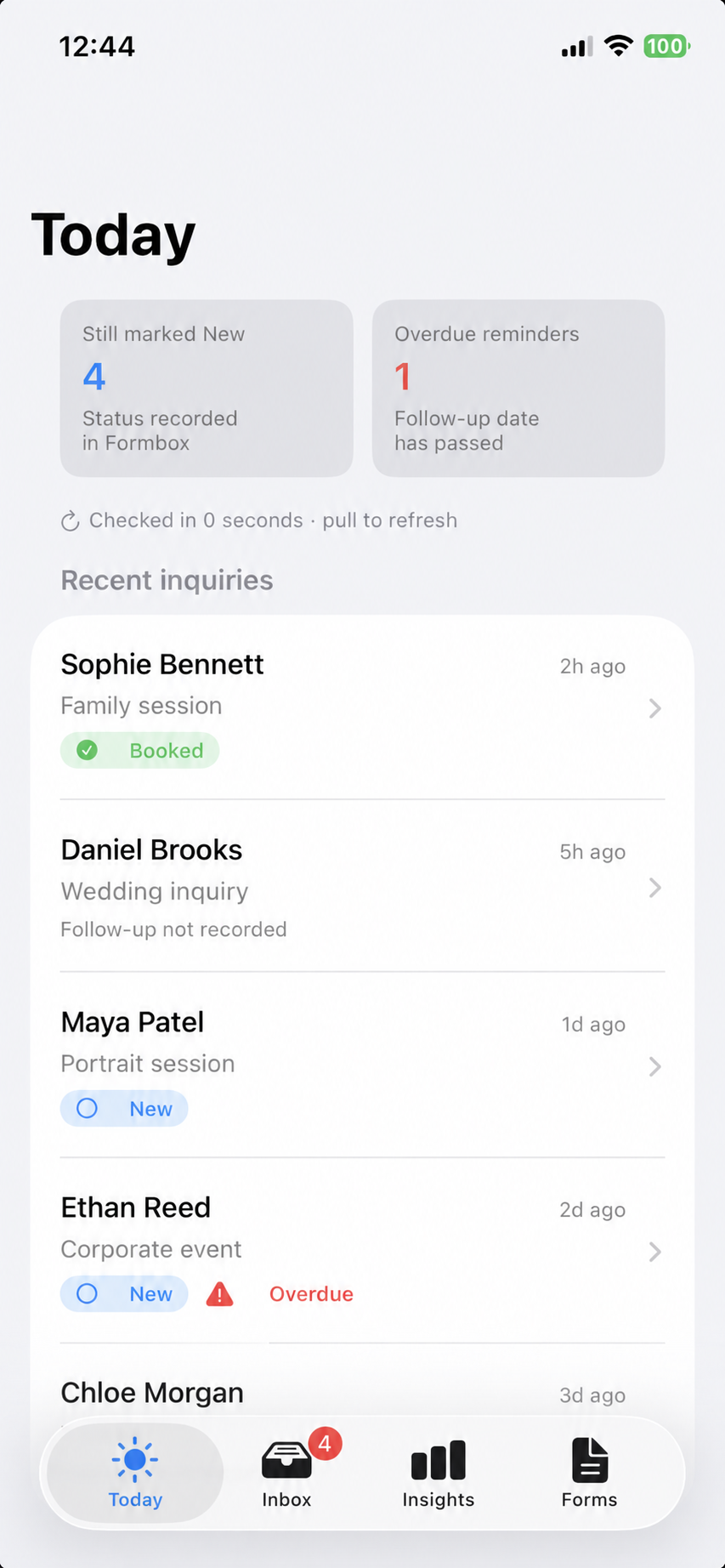
Responses refresh when you open the app or sync. Follow-up reminders are local notifications when permission and purchase access allow; the app shows when a reminder is in-app only. Reports describe recorded work. Untouched imports show “Follow-ups not tracked yet,” and manual inquiries do not inflate Google submission counts.
What’s included in this release?
Formbox 1.0 includes the inbox, recorded follow-up, manual inquiries, reports, export and example inbox described above. Form creation, reply templates, saved views and new-response notifications are not included yet. Our earlier commitment to free template-based form creation remains in place for when it ships.
 Formbox